An AI expense tracker you control: Claude and ChatGPT over MCP
Updated 15 November 2026
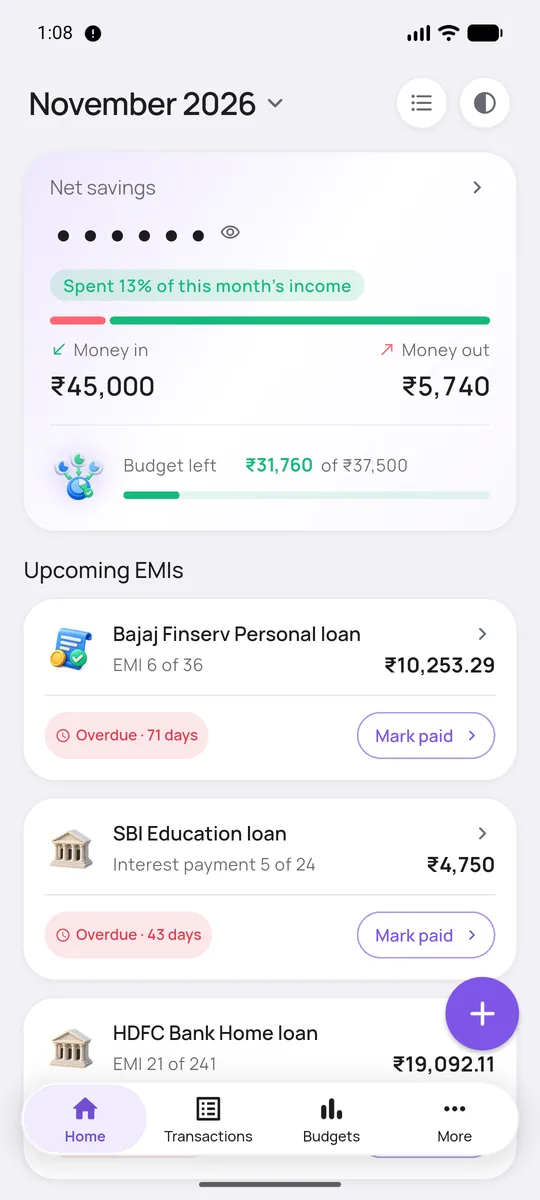
SimpleMoney has an optional AI assistant. It connects your own Claude or ChatGPT to your expense tracker over MCP (Model Context Protocol), so you can ask questions about your money in plain words. The AI only suggests. You approve.
What you can ask
- “How much did I spend on food last month, compared with the month before?”
- “Which subscriptions renew this week?”
- “Sort my ‘Personal’ transactions into categories.”
- “Teach the app this bank SMS it cannot read.”
- “Map the columns of this statement.”
- “Here is my loan statement. Add the loan and every payment.”
How it works
- In the app, open More → AI assistant and copy the connector address.
- Add it as a custom connector in Claude (or as an app in ChatGPT with developer mode on).
- Get a one-time pairing code in the app and enter it. It works for 10 minutes.
- Start a session for 15 minutes, 30 minutes or 1 hour. The AI can use the connector only while the session is live.
Follow the full walk-through with screenshots: connect Claude to SimpleMoney.
You stay in control
- Suggestions, not changes. The AI proposes new transactions, categories, loans or rules. Nothing changes until you tap Approve in the app.
- Time-limited sessions. Stop a session or disconnect any time, and access ends at once.
- Exact totals. Spending totals come from the app, so the AI does not add numbers up itself.
- Your data stays yours. Your own AI account is used. SimpleMoney has no server that stores your records.
Teach the app with AI
Banks change their SMS wording and statement layouts all the time. Instead of waiting for an update, ask your AI to write a rule, test it on your missed messages, and suggest it. See teach a bank SMS and teach a statement layout.
Frequently asked questions
What is MCP?
Model Context Protocol is an open standard that lets an AI app use tools and data from another app, with your permission. SimpleMoney offers tools such as spending summaries, search and suggestions over MCP.
Which AI apps work?
Claude, and ChatGPT with developer mode, or any assistant that supports remote MCP connectors.
Can the AI change my data by itself?
No. Every change is a suggestion that you approve or reject in the app.
Is the AI assistant free?
The AI assistant is part of SimpleMoney Pro. The rest of the app is free.
Get SimpleMoney on Google Play Read the guides